
Download 万能mp3转换器 – mp3 converter, audio converter, music converter, format converter, audio tool
Overview
万能mp3转换器 is a mobile application designed to meet the growing demand for flexible audio file management on smartphones. It serves as a comprehensive audio processing tool, enabling users to convert, merge, extract, split, and compress audio files with minimal effort. The app is particularly useful for individuals who frequently handle audio content across different devices or platforms, such as music enthusiasts, podcast creators, and content organizers. Its core purpose lies in simplifying audio file manipulation by offering a unified interface for multiple common audio tasks.
Target users include anyone managing digital music libraries, transferring audio between devices with incompatible formats, or preparing audio files for specific applications like presentations, social media, or streaming platforms. The app supports a wide range of audio formats, including MP3, WAV, WMA, and others, ensuring broad compatibility with existing audio files. While the developer, 万能mp3转换器, is not further detailed in the provided information, the app’s focus on functionality and user-friendly workflows suggests a practical approach to audio tool development.
Real-world use cases include converting high-quality WAV files to smaller MP3s for mobile storage, merging multiple audio clips into a single file, or extracting audio from video files for reuse. In the broader app ecosystem, 万能mp3转换器 fills a niche for lightweight, efficient audio utilities that don’t require complex setups or desktop software. Its presence on Android highlights the increasing need for on-the-go audio editing solutions in personal and creative workflows.
Key Features & Functionality
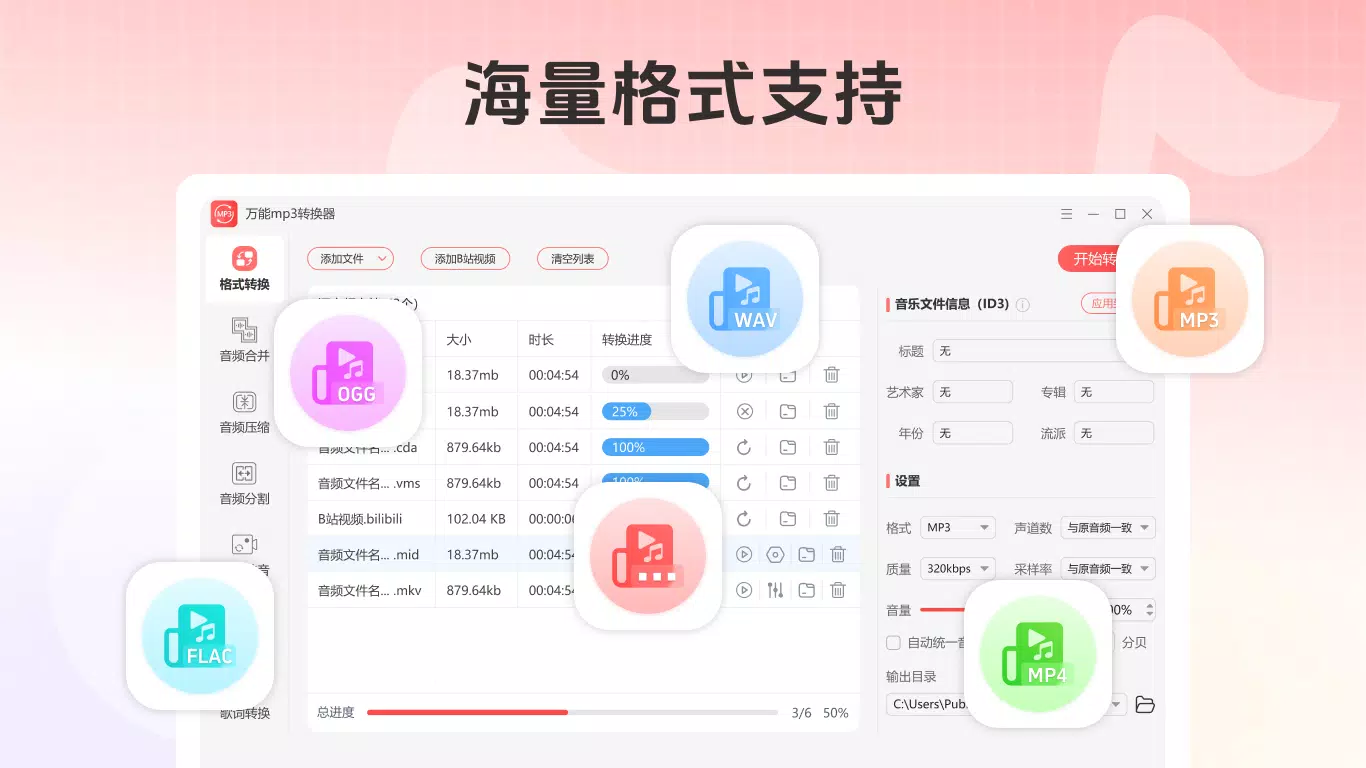
- Multi-format conversion: The app supports conversion between various audio formats, including MP3, WAV, WMA, and other mainstream types. This allows users to adapt their audio files for different devices or platforms without requiring external tools.
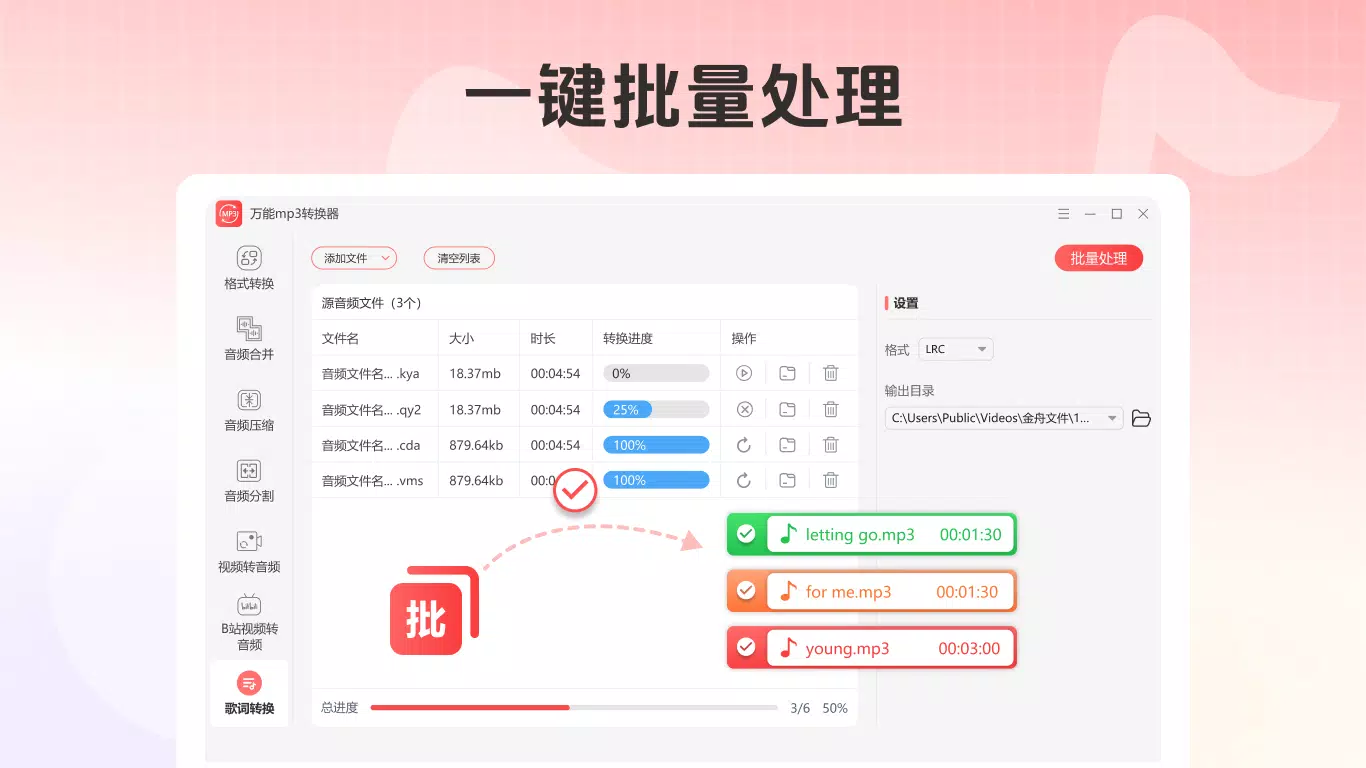
- Batch processing: Users can process multiple audio files simultaneously, significantly reducing time and effort when handling large collections. This is ideal for organizing music libraries or preparing content for upload.
- Metadata preservation: During conversion, the app maintains ID3 tags and other audio metadata, ensuring that song titles, artist names, album information, and cover art remain intact after the process.
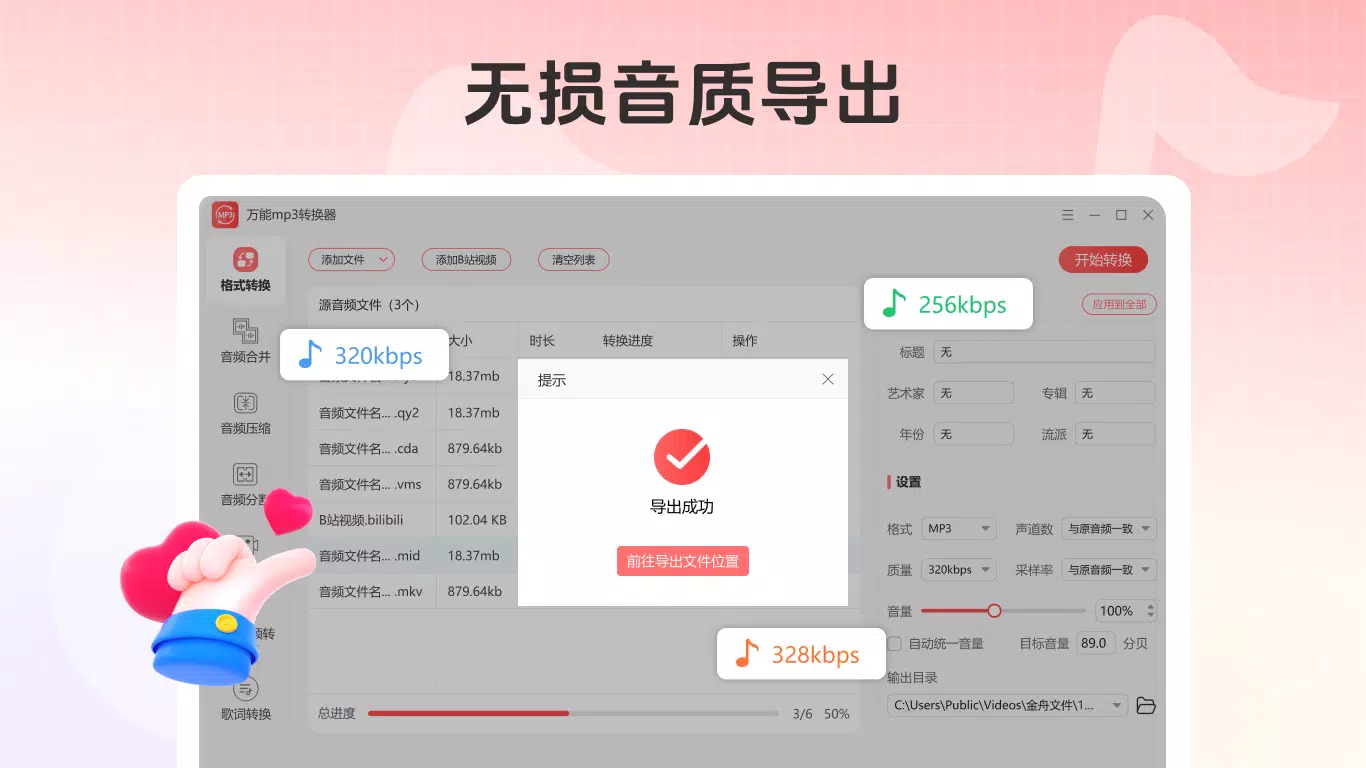
- Efficient conversion engine: The app utilizes a high-speed conversion system that avoids creating temporary files, resulting in faster processing times and reduced storage usage during operations.
- Flexible access model: Non-members can convert up to three files with advertisements, while members enjoy unlimited conversions without ads, offering a tiered experience based on user needs.
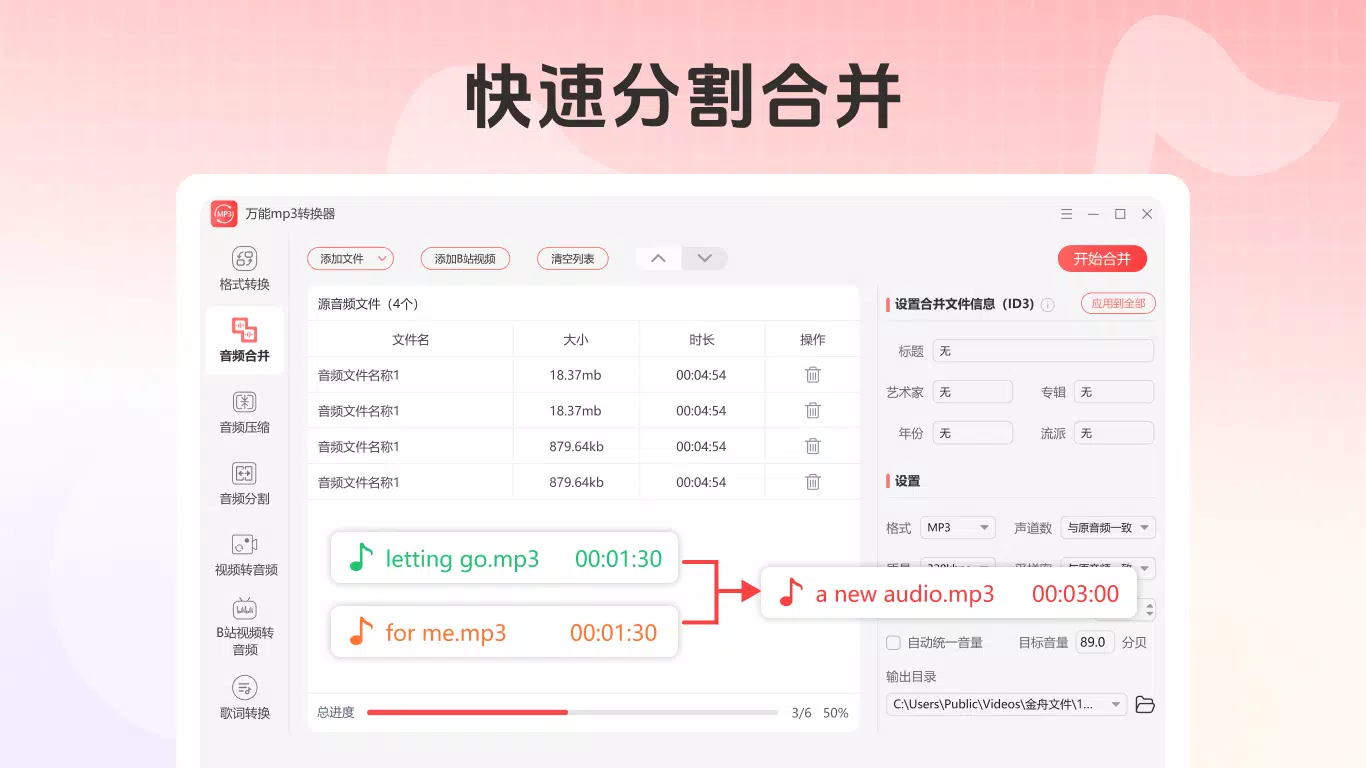
For example, a user preparing a playlist for a mobile device might convert several high-bitrate WAV files to MP3 to save space. Another user could merge multiple interview recordings into one file for editing. A content creator might extract audio from a video to use in a podcast. The app’s three-step conversion process—select, choose format, convert—ensures accessibility even for non-technical users. These features collectively enhance productivity and reduce dependency on desktop-based audio software.
Interface, UX & Performance
The user interface of 万能mp3转换器 is designed around simplicity and efficiency. It features a clean layout with clearly labeled buttons and intuitive navigation, allowing users to perform tasks with minimal steps. The main screen likely includes options for file selection, format choice, and conversion initiation, all accessible through a streamlined workflow.
Visual style emphasizes functionality over decoration, using consistent color schemes and readable typography to enhance usability. Navigation appears to follow a linear path—select file, configure settings, start conversion—reducing cognitive load. The app responds promptly to user inputs, suggesting strong responsiveness across supported devices.
Although the developer did not list formal performance metrics, the app’s claim of high-speed conversion and no temporary file creation implies optimized background processing. Stability is likely maintained through efficient memory handling, though specific details on performance across device categories were not provided. Users can expect smooth operation on mid-range and higher-end Android devices, though performance on lower-end hardware may vary without official confirmation. Overall, the UX design prioritizes speed, clarity, and ease of use, making it accessible to a broad audience.
Platform Compatibility & Technical Requirements
万能mp3转换器 is available exclusively on the Android platform. It is designed to run on Android devices with a software version that supports the app’s core functionality, though specific minimum OS requirements were not disclosed by the developer. The application size is 20.5 MB, indicating a lightweight footprint that should not significantly impact device storage.
Given the app’s focus on audio processing, it is likely optimized for devices with standard audio hardware and sufficient RAM for background tasks. However, the developer did not specify exact device compatibility, screen size requirements, or hardware acceleration dependencies. Users are advised to ensure their Android device meets general system standards for running third-party apps.
As the app is free to download and use, with optional in-app upgrades, it offers broad accessibility. The absence of detailed technical specifications suggests a focus on compatibility across a wide range of Android devices rather than hardware-specific optimization.
Pros and Cons
- Supports multiple audio formats for flexible conversion
- Offers batch processing for improved efficiency
- Preserves audio metadata such as ID3 tags
- Fast conversion with no temporary files generated
- Free to download and use with basic features
- Non-members limited to three conversions with ads
- Advanced features require a paid subscription
- Specific device or OS compatibility details not provided
- Performance on low-end devices not confirmed
- No official information on update frequency or long-term support
FAQ
Is 万能mp3转换器 safe to download and install?
Yes, the app is available for free on Android and does not require root access. As with any third-party application, users should ensure they download it from trusted sources to maintain device security.
Can I use 万能mp3转换器 on iOS devices?
The app is currently available only on Android. There is no official iOS version provided in the available information.
Does the app support video-to-audio extraction?
Based on the provided features, the app supports audio extraction, though specific video file compatibility was not detailed.
How often does 万能mp3转换器 receive updates?
The developer did not disclose the update schedule or frequency for the app.
Is my audio data secure when using the app?
The app does not share user files with third parties, and no data transmission details were provided. Users are advised to avoid uploading sensitive audio content.
Final Thoughts + CTA
万能mp3转换器 stands out as a practical, no-frills audio utility for Android users seeking reliable file conversion and management. Its ability to handle multiple formats, preserve metadata, and process files in bulk makes it a valuable tool for both casual users and those managing larger audio projects. While the free tier has limitations, the inclusion of a membership option offers a clear upgrade path for power users.
For music lovers, content creators, and digital organizers, the app provides a streamlined way to adapt audio files for different platforms without relying on complex software. Its lightweight design and efficient processing align well with modern mobile workflows.
Download 万能mp3转换器 now


